Working with Groups
A Group is a collection of user profiles used to streamline permission management across multiple data packages and individuals.
Steps
To create or manage a group, follow these steps:
1. Sign-in
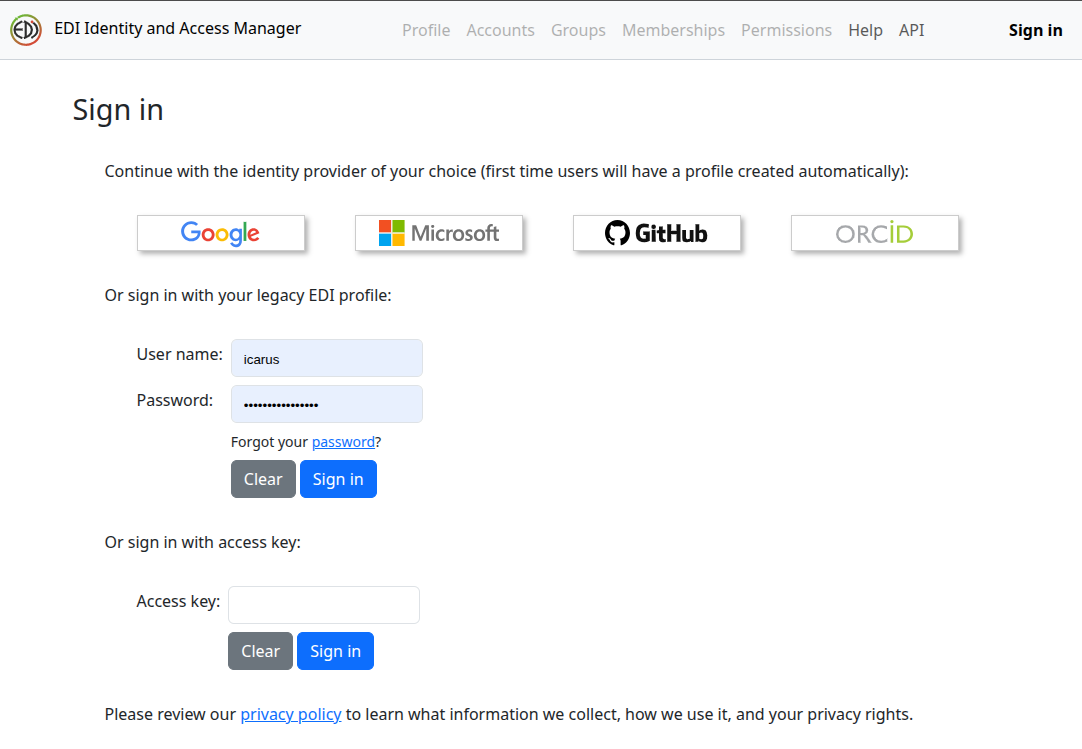
Sign-in to IAM with the identity provider of your choice.
2. Select Groups
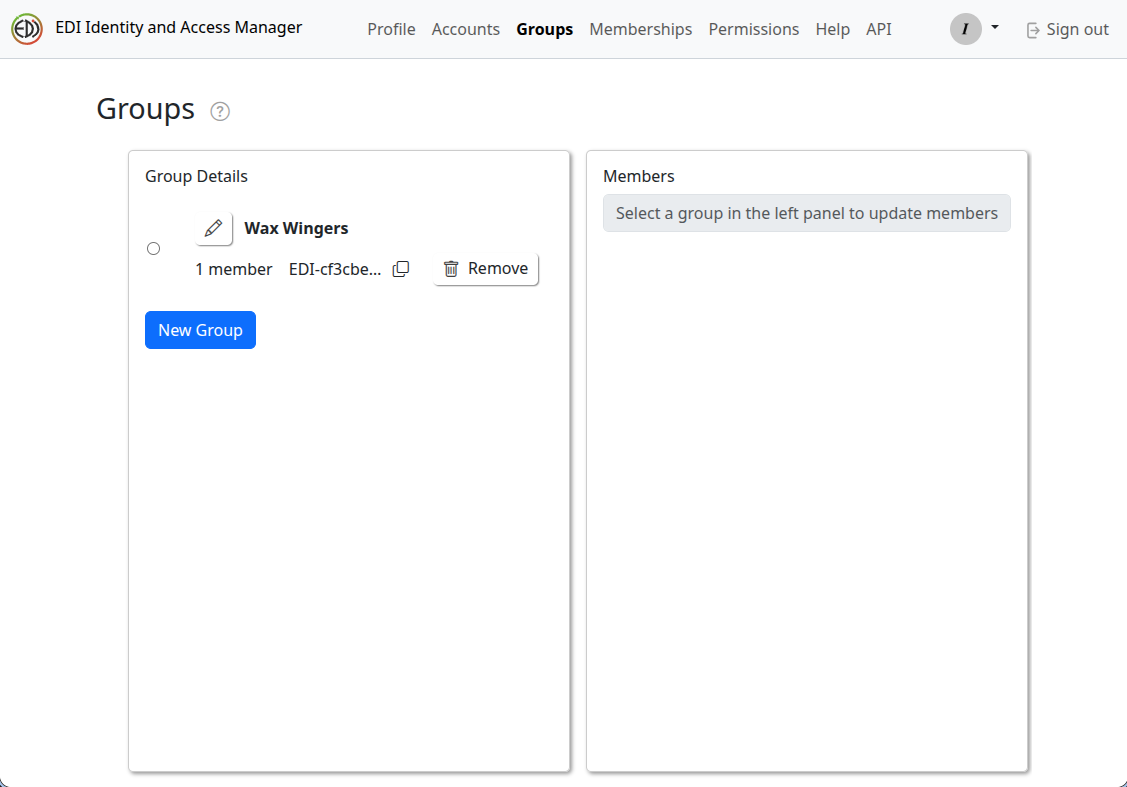
Once signed-in, select Groups, followed by "New Group."
3. Add New Group
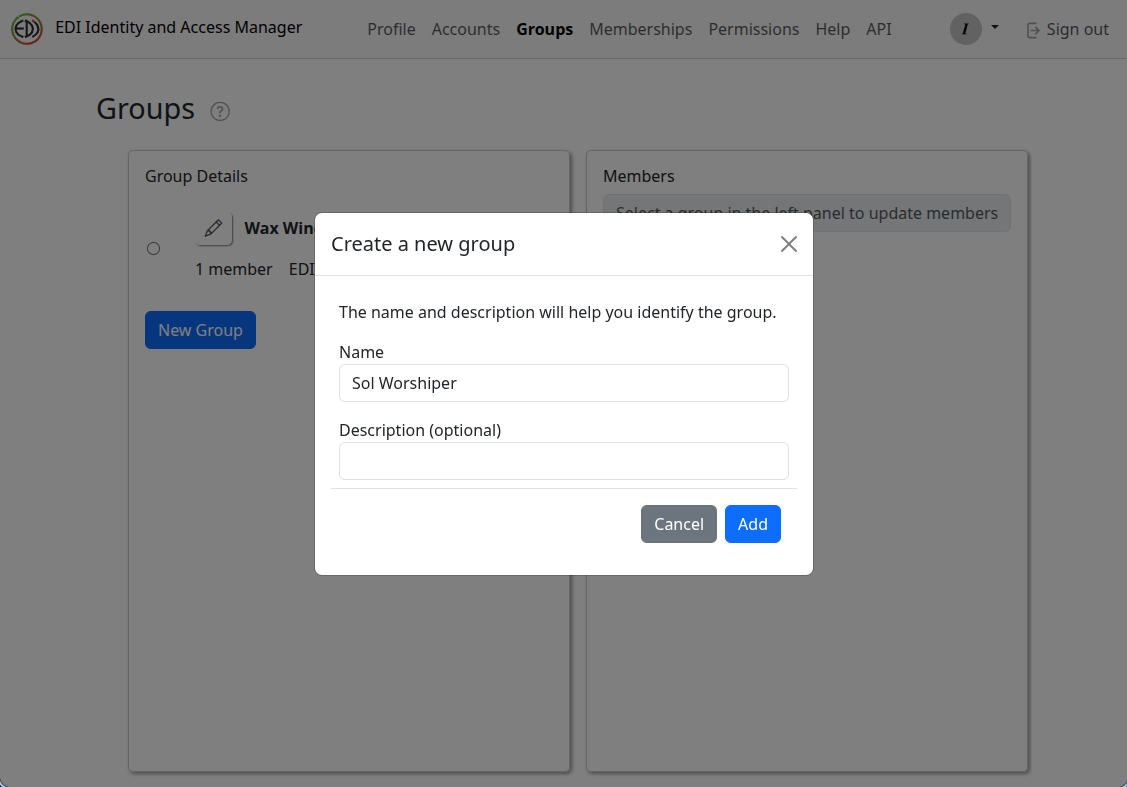
In the "Create a new group" pop-up window, enter a new group name and an optional description, then select "Add."
4. Add a Member to the New Group
Once you have the "Sol Worshiper" group created, it is time to add one or more members to the group. Select the radio button to left of the "Sol Worshiper" group entry in the "Group Details" panel. In the "Add Users and Groups" field of the "Members" panel, search for "msobol" and select him in the search result.
Notes:
- The "Add Users or Groups" search field allows you to search for a user by name, email or EDI identifier.
- You cannot add a group to another group. Only individual user profiles can be added to a group.
5. Remove a Member from the Group
To remove "msobol" (or any other user), first select the group, then select "Remove" from the "msobol" entry in the "Members" panel.